I was working on a new main store build, and of course with my store name being “Black Rose,” I needed some roses to place around and in the store. I was not sure how to approach something as complex as a rose, so I googled “Blender rose” and found the following tutorial showing how to make a rose using the array modifier:
The instructor teaches a clever method to make and twist the petals, using the array modifier. The tutorial stops at the point where the instructor can render the rose for a picture. For my purposes I had to go on to use the solidify modifier to turn the 2D plane petals and leaves into 3D mesh ones. You can find video tutorials on how to do that as well if you search. I love the internet! There is a tutorial for just about anything!
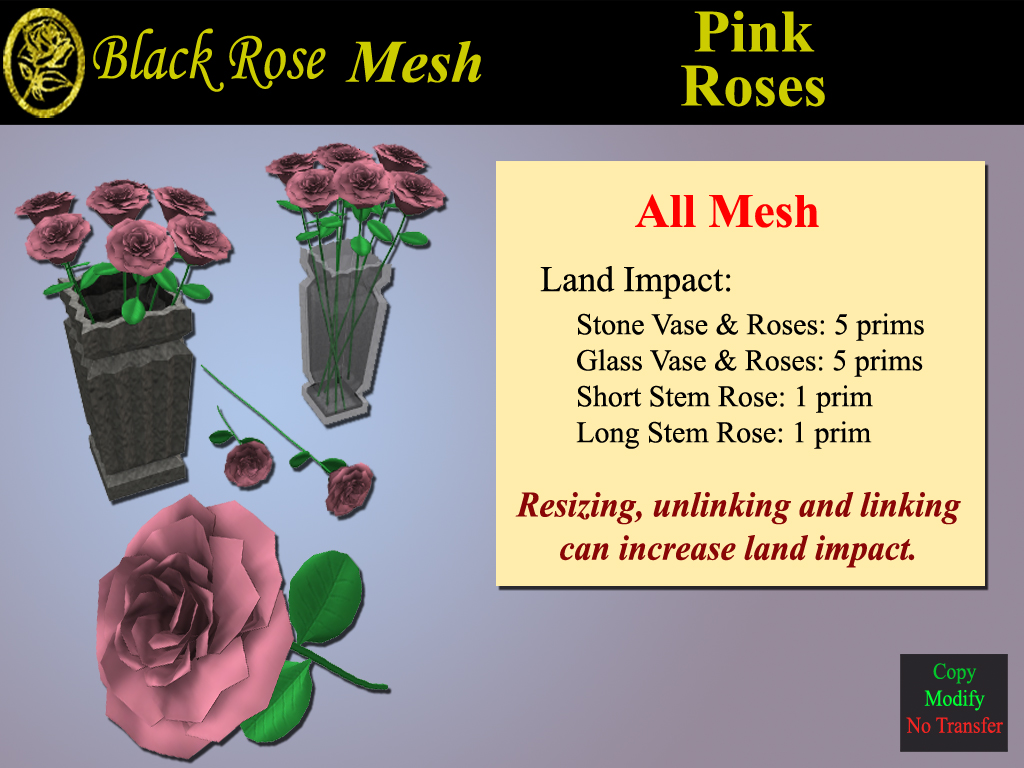
With a little experimentation with LOD settings in the mesh uploader window, I was able to bring the roses, and a vase, into Second Life at very low cost.
Have fun meshing about!

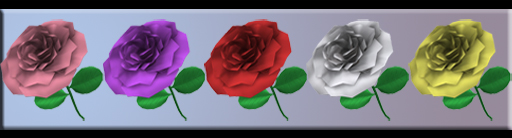
The roses come in pink, purple, red, white, and yellow.


thanks.very good blog and very good share.